Haryana Family ID Registration – Easy Steps to Create Your PPP Haryana Card
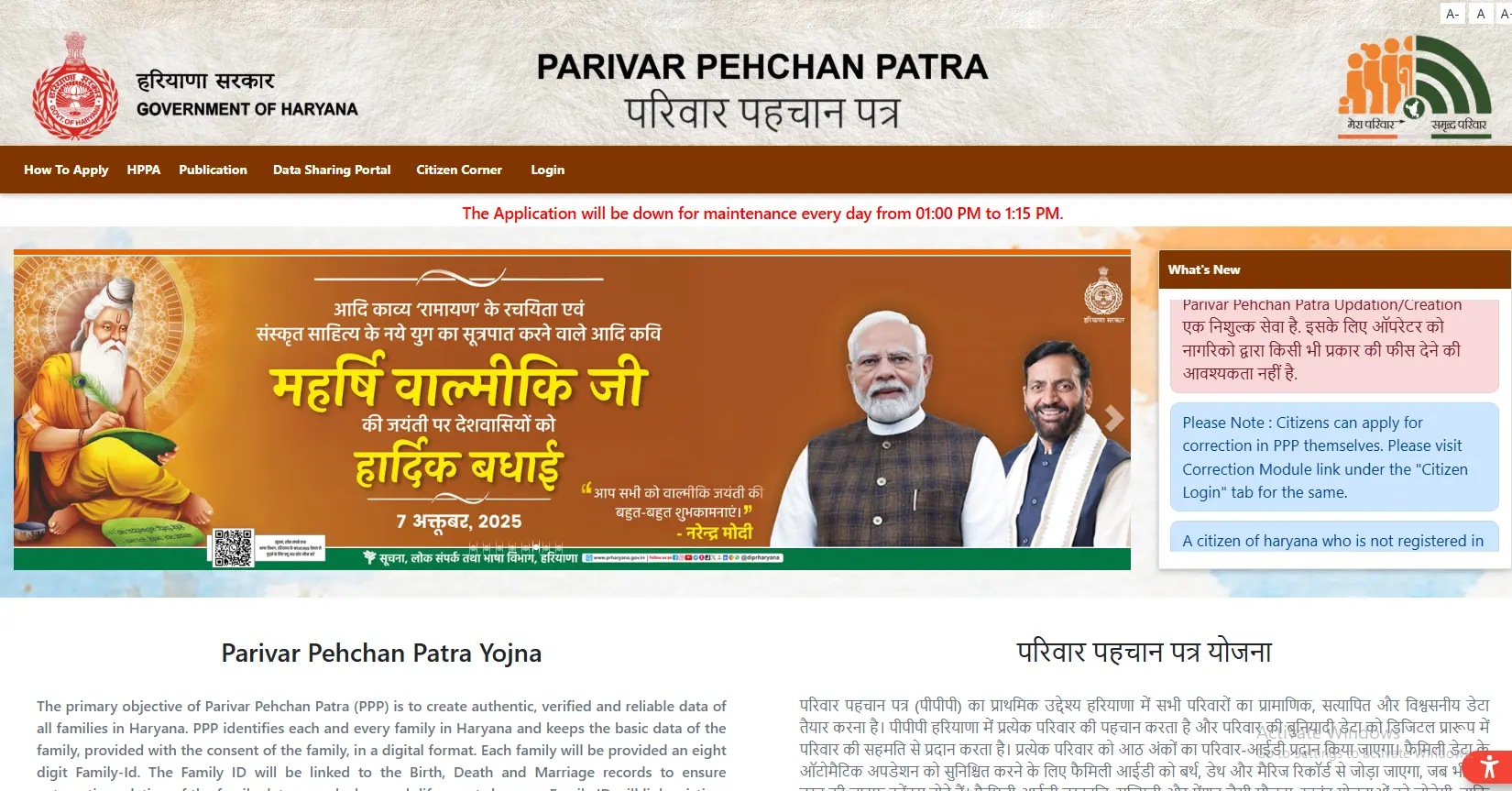
Every household in Haryana can complete a free family ID registration and get one digital card for the whole family. This card, called PPP Haryana or Parivar Pehchan Patra, stores everyone’s details together, so you stop submitting the same papers again and again for government schemes.
This guide walks you through the whole family ID registration process in plain, easy words. You will learn who can apply, which documents you need, and how to finish your family ID create steps without confusion.
Who Can Apply for Family ID Registration
Almost every Haryana household qualifies for family ID registration. Here’s who can apply:
- ✓Permanent residents of Haryana get an 8-digit Family ID.
- ✓People living outside Haryana but wanting Haryana benefits get a 9-digit temporary ID that starts with “T.”
- ✓The family head usually applies on behalf of the whole household. This is often the eldest earning member.
- ✓Every member needs an Aadhaar card, though children without one can be added later through an update.
Documents You Need Before You Start
Don’t jump into the form without your papers ready, you’ll just end up saving a half-filled application and coming back later.
- Keep your Aadhaar card handy, along with a date of birth proof (a school certificate or voter ID works fine), your address proof, and income proof if you have it.
- One more thing people forget: your mobile number has to be the one linked to Aadhaar, because that’s where the OTP for your new family ID Haryana application will land.
If even one family member’s Aadhaar isn’t linked to a working number, sort that out first at your bank or the nearest Aadhaar centre. It’ll save you a headache later.
Step-by-Step: How to Complete Your Family ID Registration
Alright, once your documents are sorted, here’s how the actual family ID registration goes.
Start a New Application
Open the official PPP Haryana website. Click “Citizen Login,” and when it asks if you already have a Family ID, pick “No.” That’s what kicks off the family ID create process for a brand-new application.
Verify with Aadhaar
Type in the Aadhaar number of the family head, and an OTP lands on the linked number within seconds usually. Punch it in, and the system pulls your basic details automatically: name, date of birth, and so on. You just fill in whatever’s left blank.
Add Every Family Member
For the father, mother, spouse, and each child, you’ll enter their Aadhaar number, name in both English and Hindi, and living status. It’s a bit repetitive, honestly, but there’s no shortcut here. What matters is that every single detail matches the Aadhaar record word for word — even a spelling difference between “Ramesh” and “Ramesh Kumar” can hold up your application.
Review Before You Submit
Before hitting submit, read through the whole form once. Not just skim it, actually check each name, date, and number. A five-minute review now can save you weeks of waiting later, since corrections after submission mean going through the update process all over again for your new family ID Haryana record.
Save Your Temporary ID
Once you click Submit, you’ll get a Temporary Family ID starting with “T.” Screenshot it or write it down somewhere you won’t lose, you’ll need this number both to track your status and to log back in.
Permanent Family ID Card vs Temporary ID
Here’s something a lot of people get confused about. That “T” number you get right after applying isn’t your final ID, it’s temporary, and it only unlocks a handful of basic services while officials verify your application in the background. The real family ID card, the permanent one, comes only after that verification wraps up. And that’s the one that actually opens doors: pensions, scholarships, subsidy transfers, all of it runs through your permanent family ID card, not the temporary number.
Common Registration Problems and Fixes
A few things tend to trip people up during registration, so here’s what usually works.
- Document upload keeps failing: Check that the file is a proper PDF and under 200 KB, phones often click photos way bigger than that, so you might need to compress it first.
- Application freezes on a screen: Try clearing your browser cache or switching browsers entirely; sometimes it’s simply a busy-server problem, so trying again late at night helps too.
- Aadhaar number keeps getting rejected: Double-check you haven’t swapped two digits by mistake. If it’s still not working after that, the issue might actually be with your Aadhaar record itself, which means a trip to an Aadhaar centre before you can move forward.
- Can’t add certain family members: Don’t let that stop the whole application. Submit with whoever’s details are ready, and add the rest later through an update once you’ve sorted their documents. When nothing online seems to work, your nearest Saral Kendra can usually sort it out for you in person.
Important Links
| Purpose | Link |
|---|---|
| Registration Portal (PPP Haryana Official) | ppp-office.haryana.gov.in |
| Track Application (Mera Parivar Haryana Portal) | meraparivar.haryana.gov.in |
| Saral Kendra Help (Saral Haryana Centers) | saralharyana.gov.in |
There’s nothing complicated about getting your family ID card, it just takes a bit of patience and correct documents. Fill in your family ID registration, verify everything through Aadhaar and OTP, add each family member carefully, and wait out the verification period. Once it’s approved, your new family ID Haryana turns into the single card your entire household will keep coming back to for almost every government scheme out there.